Server setup
Data providers can set up servers, each providing a number of independent data fragments. Clients will then be able to combine fragments from multiple servers to perform statistical analysis on them. Server owners have full control of their data and applied privacy policies; clients can only run operations they are allowed to.
Configuration
Data servers host your data for clients to use. Custom operations that clients can call are specified in the configuration file; these are either the map part of a map-reduce scheme or internal server computations that are never exposed internally. Often, you will have the same configuration for your servers and the client that uses them. Find a first default configuration that you can edit here. You can replace paths to implementations with your own, or remove any operations you do not want to support for privacy reasons. More details on configuration files can be found here.
Warning
Privacy policies in the configurations may make fedmed.ops.private operations inexact.
Declare data fragments
Creating a server requires the couple lines of code below. In production, add data directly to instances of the Server class and run the latter. However, in development you may be interested in running simulations. Each server contains fragments of one or several datasets. Load data as pandas dataframes or combinations of lists and dicts. Then assign them as named fragments by using the server’s object like a dictionary. An example code to do this is shown below; clients will be able to access this fragment using your server’s IP address and its name.
import fedmed as fm
server = fm.Server(config="config.yaml")

data = [1, 2, 3]  # or dict of lists, pandas dataframe, etc
server["test array part 1"] = data  # set up the data fragment
Run the server
You can run a server with a flask-supporting WSGI library, like waitress. Running it makes its data publicly available to those having access to its host:port IP address. Client pointing to that address can include the server’s data fragments in their operation. FedMed does not provide any authentication capabilities - set up a reverse proxy server to restrict who can access your data with authentication.
from waitress import serve

if __name__ == "__main__":
    serve(server.app, host="127.0.0.1", port=8000)
Tip
You may use flask to test servers, but for production always use an WSGI library or tool.
Information panel
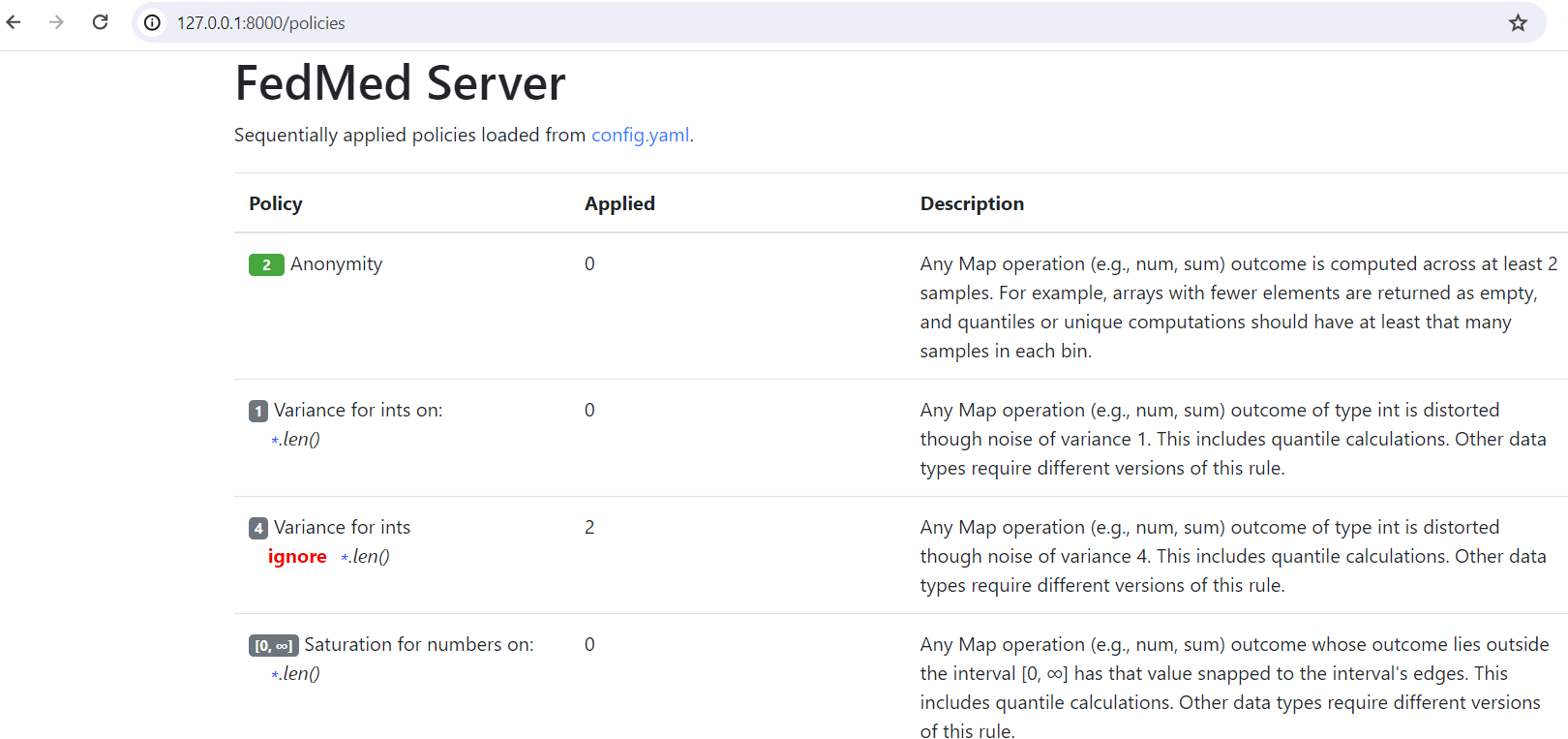
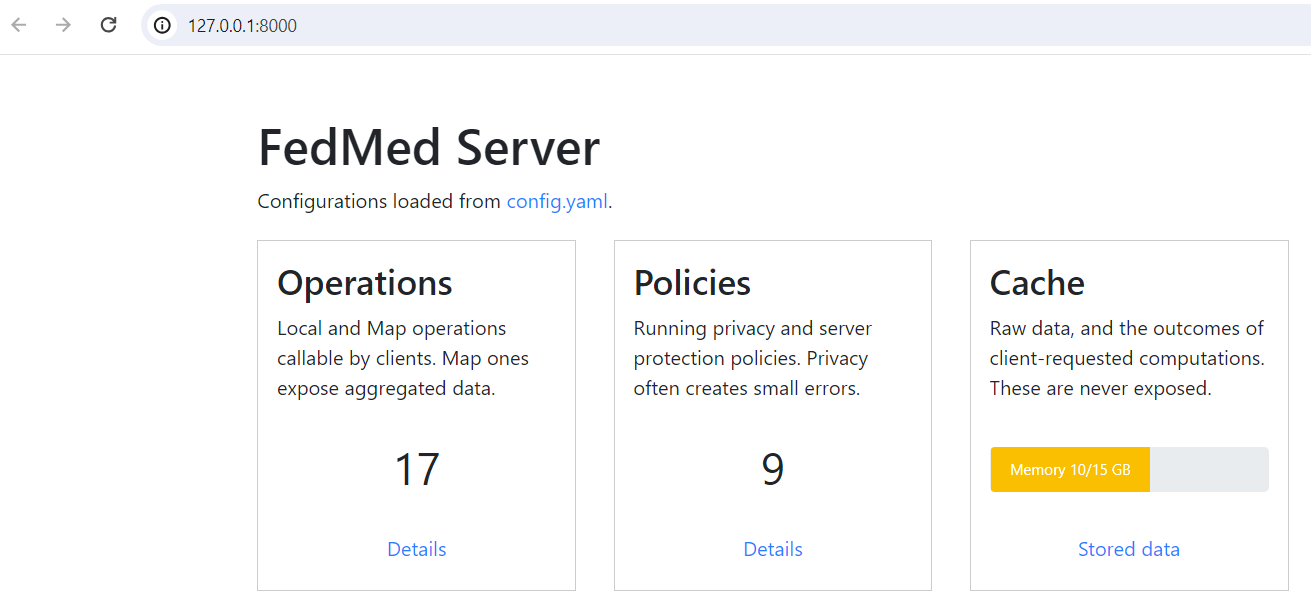
Once you start a FedMed server you will be able to access its information panel in its host address. This provides a summary of configuration and usage patterns. For example, it monitors cashed intermediate operations, and the frequency of usage of privacy policies. The information panel looks like this:
As an example, take a look at privacy usage. This contains detailed explanations and usage counts: